Online Notarization Florida: Complete Guide
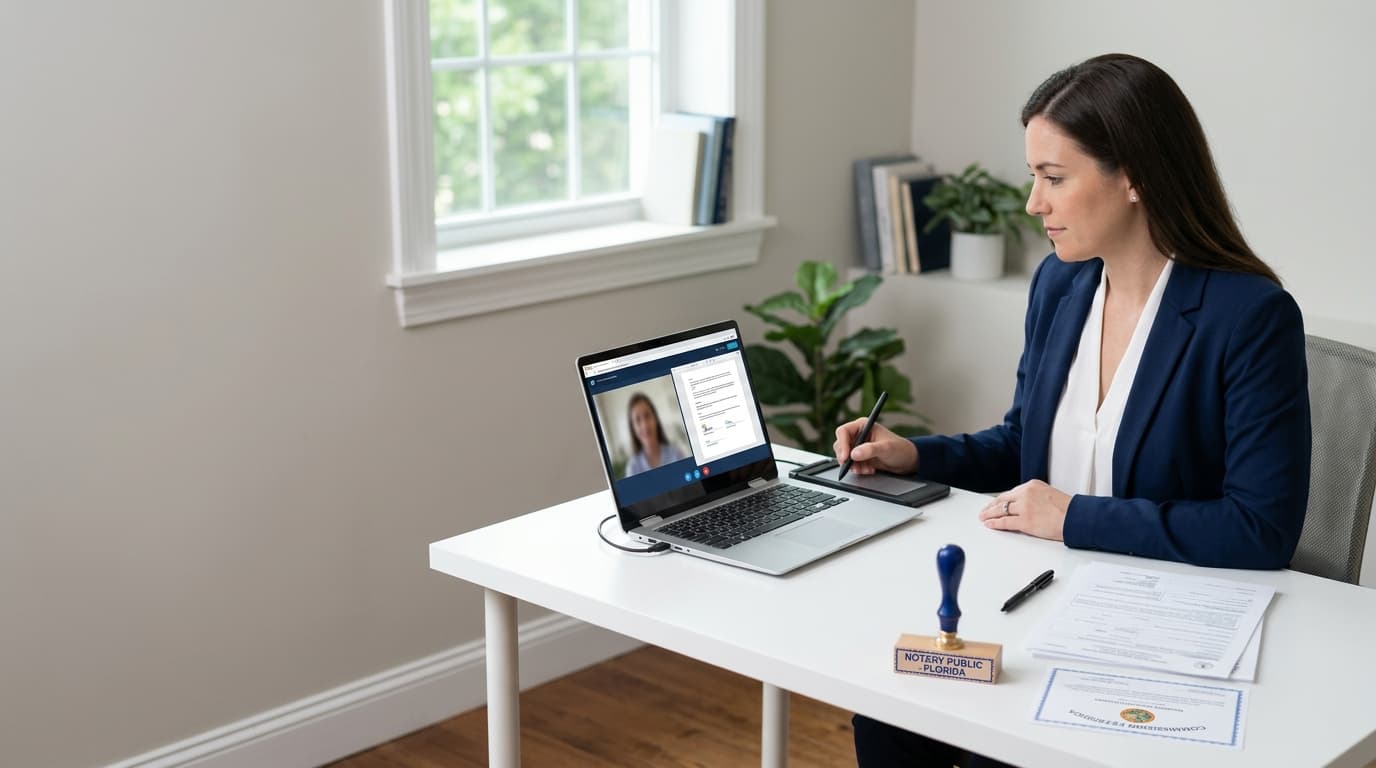
Is Online Notarization Legal in Florida? Chapter 117 and Out-of-State Recognition
Yes. Online notarization Florida law has allowed it since January 1, 2020. The authority comes from Chapter 117, Part II of the Florida Statutes, which grew out of the Electronic Legal Documents law signed on June 7, 2019. For the primary source, start with the Florida Department of State's remote online notary page. The Florida Realtors summary explains how the law came about.
One rule matters most to signers: the notary must be physically in Florida during the notarization, but you don't have to be. Sign from your kitchen table, your office or a hotel room anywhere in the U.S. Under some conditions you can even sign from abroad. That's why the service suits travelers, remote workers and anyone who can't easily reach a physical notary.
Several safeguards sit behind every online notarization Florida session. The notary must hold a Florida commission and be registered with the state as an online notary, which includes a state-approved course of about two hours. They verify your identity through credential analysis and identity proofing. They also record the whole session on audio and video and keep that recording for at least 10 years. For a plain-language look at why these safeguards make a digital notarization as valid as a stamp on paper, read our explainer on digital notarization, how it works and its legal status.
Out-of-state recognition also works in your favor. Florida recognizes properly performed notarizations from other states, so a document notarized elsewhere under that state's law is generally accepted here. One caution: the Department of State doesn't recommend or endorse any particular technology vendor. A platform can meet Florida's requirements, but none carries a state seal of approval, so be wary of anyone who says otherwise.
How a Florida Online Notarization Works, Step by Step
Think of it as a short video call rather than paperwork. With GoNotarize, a typical session takes about five minutes. Your own time will depend on how many signers there are and how prepared you are when you start.
Step one: enter your details. Give us the signer's information and tell us what needs notarizing. There's no account to create, so you get straight to the work.
Step two: upload your document. Documents go in as PDFs. Upload the final version you intend to sign, every page included. The notary can't alter your document's content, and any change after the session would invalidate the notarization.
Step three: review your pricing. Before anything is finalized, you see what you'll pay. We lay the cost out up front, so the end of the call holds no surprises. The next section covers what goes into that number.
Step four: meet your notary on video. You're connected to a commissioned notary for a live audio-video session. The notary confirms who you are, checks that you understand the document and are signing willingly, then completes the notarial act electronically. Florida's rules require identity confirmation through credential analysis and identity proofing, which means showing a government-issued photo ID to the camera. A U.S. driver's license or passport works. Signers who aren't U.S. citizens or residents generally need an international passport.
Step five: receive your notarized document. When the notary finishes, your notarized PDF is ready to download and use. The session is recorded and the record retained, so a durable audit trail stands behind it. That's a big part of why recipients trust it.
For a wider look at how these electronic services fit together, our overview of eNotary services covers the options and when each makes sense.
What Online Notarization Costs in Florida, Line by Line
Most guides leave readers guessing about cost, so let's break it into pieces.
First, the statutory notary fee. For online notarization Florida sessions, F.S. §117.275 caps what a notary may charge for an online notarial act at $25. That's a ceiling, not a price tag, and it covers only the notary's act. By comparison, a traditional in-person notarization is capped at $10 under F.S. §117.05, according to a Florida RON guide. If you're quoting that figure for anything formal, check it against the statute.
Second, the technology cost. Online notarization relies on a secure platform that handles video, identity verification, document storage and the recording the law requires. Providers may charge for that separately from the notary's fee, which is why the statutory cap alone never equals your total.
That's why a transparent quote matters. Your total depends on a few variables:
The number of signers. Each extra person who needs to sign and be verified adds to the session.
Additional stamps or signatures. If the same document needs more seals, those are counted.
Witness services. If your document requires a witness, that's an added service.
Compare the final, all-in number, not the headline fee. When you start a session with GoNotarize, you review the price before you meet the notary, so you decide with the full figure in front of you. If you're weighing this against a trip to a local office, our guide to finding a notarization service near you helps you compare travel time against the cost of staying home.
Witnesses, Multiple Signers, and Documents Florida Excludes
Some documents need more than one signature, and Florida's rules handle that well.
Witnesses. Under Florida's remote online rules, witnesses may be physically with the signer or join through audio-video technology. That flexibility helps with documents that require them, since you don't have to gather friends or colleagues in one room. If you need a witness and don't have one available, you can add a witness service to your session.
Multiple signers. A single session can include more than one signer, whether a couple completing a document together or several parties to an agreement. Each signer's identity is verified individually, and pricing reflects the added people, which you'll see before the session begins. Signers don't need to be in the same place, so partners in different cities can sign during the same call.
What Florida excludes. Not everything can be notarized online. Florida marriage licenses, for example, can't go through a remote online notary. Wills are more nuanced. One guide states that remote online notarization applies to wills as of July 1, 2020, but estate documents carry their own witnessing and formality requirements. Confirm the current rules with an attorney before relying on a remote session for a will or similar estate planning paper.
The safest habit is to check the receiving party's requirements first. If a court, lender or agency has specific rules about how a document must be notarized, a quick question up front can save you from redoing the work.
Notarizing Without an Account: What You Need Before You Start
Many services make you create a profile before you can do anything. We went another way: no account, no password, no onboarding. You show up with what you need and get it done. A few things gathered beforehand keep it smooth.
A valid government-issued photo ID. This is non-negotiable, because identity verification is a core requirement of Florida's rules. A U.S. driver's license or passport is typical. Make sure the ID is current and the name matches your document.
A finished PDF. Have the final document ready, complete except for the signatures made during the session. Don't sign it in advance.
A device with a camera and microphone. A laptop or desktop is easiest, but a modern phone works too. Test your camera and audio first, and pick a quiet, well-lit spot so the notary can see you clearly.
A stable internet connection. A dropped connection can interrupt a live session, so avoid unreliable networks if you can.
Any additional participants. If you have extra signers or need a witness, make sure they're available at the same time and have their own ID where required.
Remember that the notary must be physically in Florida, but you can be anywhere. With these items ready, an online notarization Florida session can take you from starting the process to holding a notarized document in a few minutes. When you're ready, you can start your session here.